HTML Emmet Abbreviation
Introduction
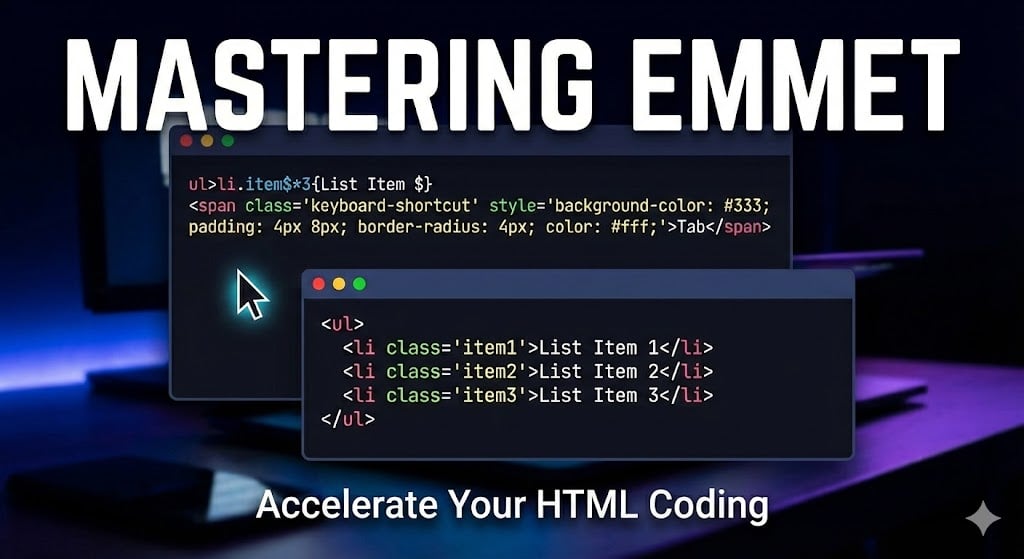
When ever you writes code of thousand’s of line, doesn’t you feel like it’s taking a lot time in typing, the tags of html we are writing the same tag again n again, isn’t it gonna be blessing for us if we get the
some sort of shortcuts for it, will it not be act as a blessing for.
And the name of this blessing/magic is known as Emmet abbreviation.
In today’s blog we will learn about Emmet Abbreviation, and will master it..
What is Emmet???
We can Consider Emmet as a spellbook /handbook of coding. It gets inserted inside the code editor like VS code, to make our work easier.
HTML Emmet Abbreviation is a shorthand syntax that expands into full HTML code automatically.
Means as we type a short pattern/key word, which is known to the Emmet, it will provide us with the whole structured HTML.
Why we use Emmet??
It helps us create Nested elements, Create multiple elements , Elements with classes and id’s , Text inside tags, attributes.
How Emmet works??
Emmet just works like a magic,
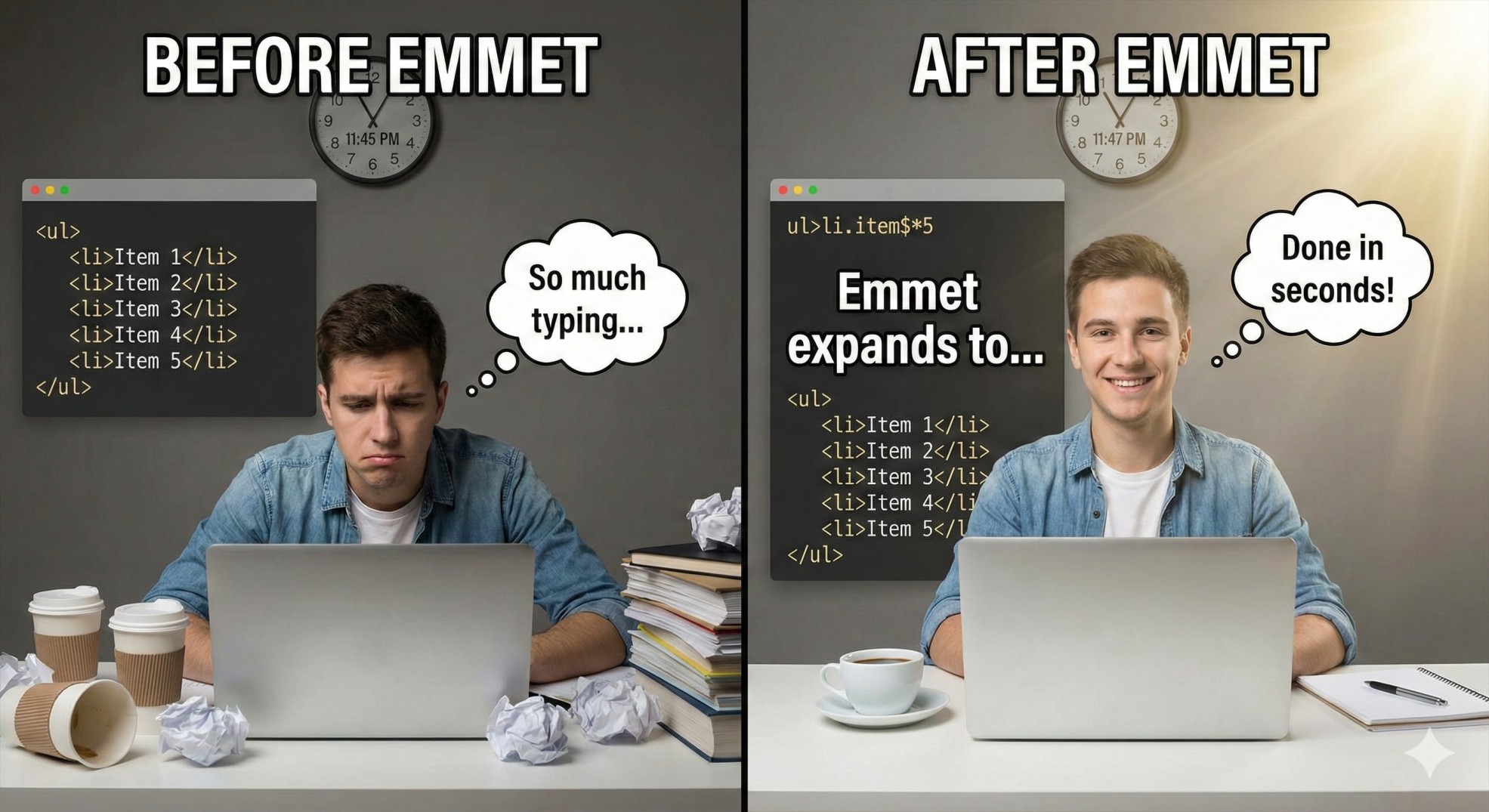
1.) We just type abbreviation like(ul*2).
2.) As we press the enter button.
3.)Editors gives us the complete desired code.
We can say Emmet is just like a hero🦸 for us Who is says, Type less, and get more…
Basic Emmet Syntax:
Create simple tags:
👉Syntax
syntax of emmet: Just write the name of a tag without any open bracket, or anything else. and then just tap enter

tagname
Example
Input
p
Output
<p></p>
Here in above example we seen, when we wrote p, it has given us the whole p element.
Creating Operators( > )
We use it to create a nested elements.
👉Syntax
parent>child
The parent should be written first then the child should be written after using this symbol(>).
Example
Input
ul>li
Output
<ul>
  <li></li>
</ul>

It states li is inside ul.
In this we have example, we have seen how using shortcut we can add 2elements. by just typing 3-4letters.
Sibling Operator(+)
It creates elements at the same level.
👉Syntax
tag+tag
Example:
Input
div+div
Output
<div></div>
<div></div>
We can create Many elements like this using this emmet, as per our requirement.
Multiplication Operators(*)
Create multiple elements.
👉Syntax
tag*number

Here number would as per our requirement, the amount of elements that we want.
Example:
Input
p*3
Output
<p></p>
<p></p>
<p></p>
Climbing Operator
Moves one level up in the nesting.
Example
Input
div>ul>li^p
Output
<div>
  <ul>
    <li></li>
  </ul>
  <p></p>
</div>
➡️^ tells Emmet to step outside the ul.
Grouping Operator:
Use to group elements together.
Example:
Input
div>(header>ul>li*2)+footer
Output
<div>
  <header>
    <ul>
      <li></li>
      <li></li>
    </ul>
  </header>
  <footer></footer>
</div>
Adding Classes and Id’s
Class(.)
👉Syntax
tag.classname
Example:
Input
h1.heading
Output
<h1 class="heading"></h1>
ID(#)
👉Syntax
tag#id
Example:
Input
p#heading
Output
<p id="heading"> </p>
The ID’s and class we take according to our wish. ID should always be unique.
HTML(Boilerplate code):
👉Syntax
Input
!
Output
<!DOCTYPE html>
<html lang="en">
<head>
    <meta charset="UTF-8">
    <meta name="viewport" content="width=device-width, initial-scale=1.0">
    <title>Document</title>
</head>
<body>

</body>
</html>
Conclusion
So today we have completed the HTML abbreviation, and after completing this we can say Using Emmet abbreviation, is a smart way of coding which makes our work easier and helps us to code fastly, So now we can say we have become more smart and updated now🧠🤓, i hope now you will go and try your
hands on emmet, and strengthen it for a future. So that’s at for the day, we will meet again with some
exciting topic…
Connect with me: www.linkedin.com/in/chirag-tiwari-a99395310.